
New Software Setup
Installation, configuration, user setup, department structure, attendance rules and reporting options.
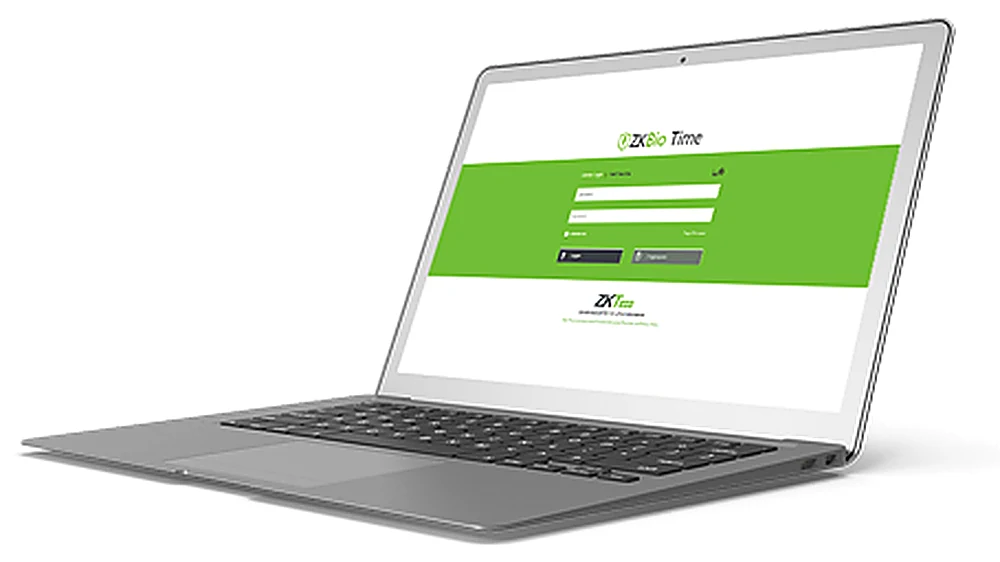
Whether you already have ZKTeco devices or you are planning a new system, the request form helps us understand the right software path.
Installation, configuration, user setup, department structure, attendance rules and reporting options.
Help with license requirements, activation checks, device count, user count and upgrade planning.
Connect ZKTeco terminals such as SpeedFace, F18, MB series, ProFace, Horus and InBio controllers.
Support for operators, HR teams, attendance reports, audit logs and basic troubleshooting.
Fill in the details below. If you select software upgrade or software activation/license, the form will ask for your current software name and version.
It depends on the number of users, devices, sites and reporting needs. BioTime and ZKBio Time are common options for attendance-focused deployments.
Yes. We can help connect supported ZKTeco devices, configure users, departments, rules and reports depending on the device model and network setup.
Yes. Use the form and choose software activation/license. The current software name, version and license status help us advise correctly.
Yes. Keystone can provide practical user training for attendance reports, user enrolment, device management and basic troubleshooting.